
GPT Image 2 AI Image Generator
Sharper text in images, UI-style mockups, and 1K–4K output
GPT Image 2 builds on OpenAI’s native image model with a big leap in legible typography, consistent multi-word labels, and plausible app or browser-style interfaces—plus improved photorealism and instruction following. Create from prompts or references for social graphics, product mockups, and slides where the words on the image actually match your prompt.
GPT Image 2 AI Image Generator
Use GPT Image 2 for OpenAI’s next-generation native image model: sharper photorealism, stronger multi-part prompts, more accurate in-image text, and realistic UI-style screenshots. Choose 1K / 2K / 4K resolution and text or reference workflows for ads, mockups, and production-ready assets.
 GPT Image 2 Image Generator Form
 GPT Image 2 Generation Result
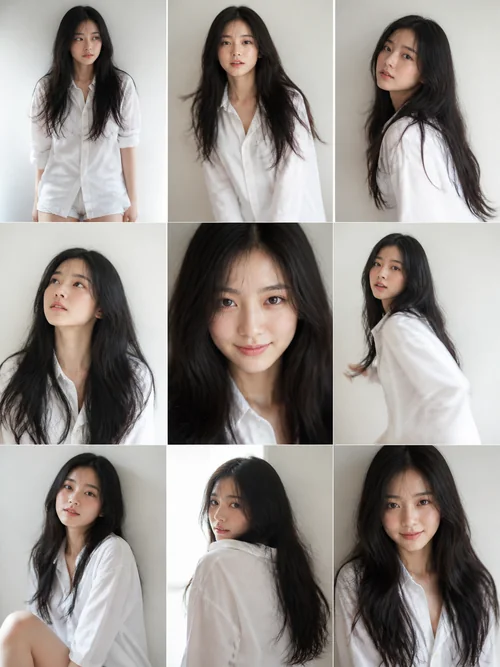
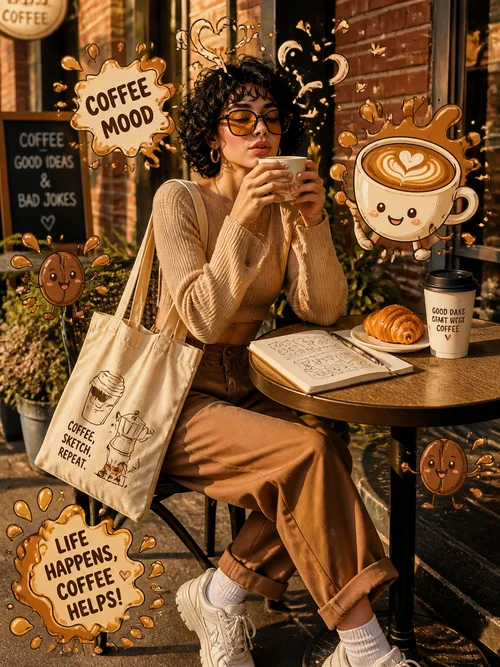
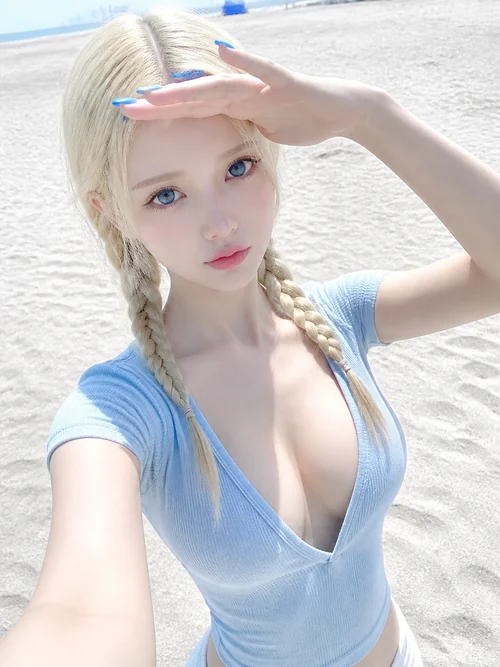
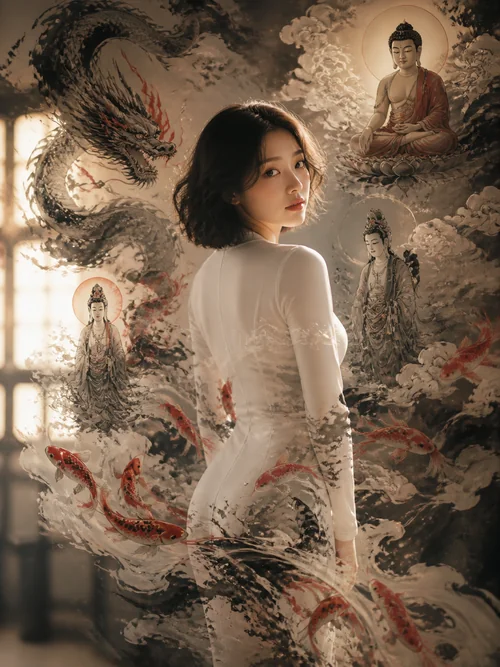
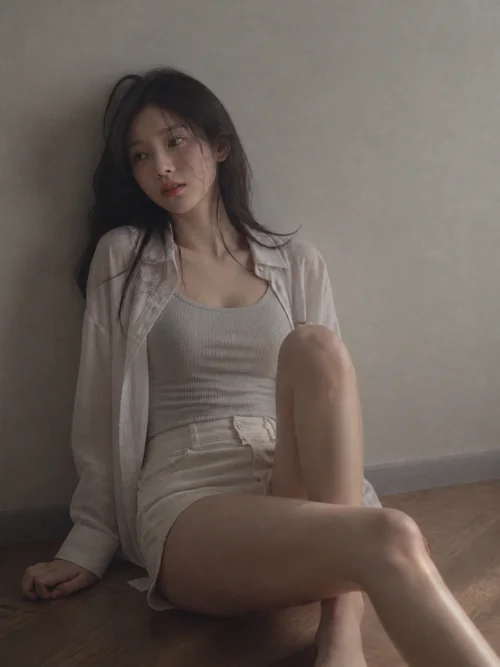
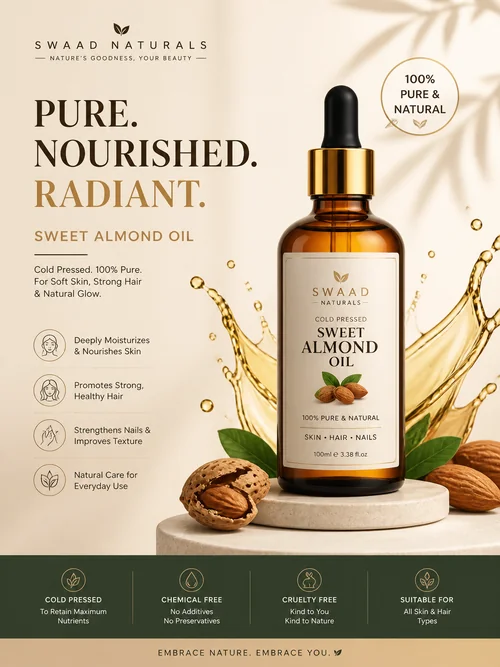
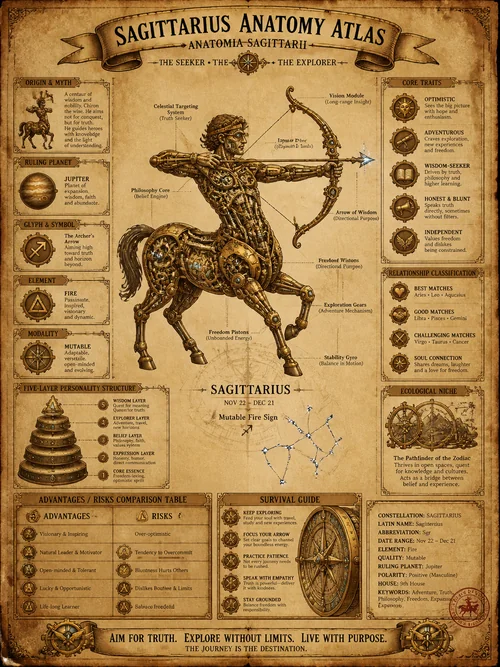
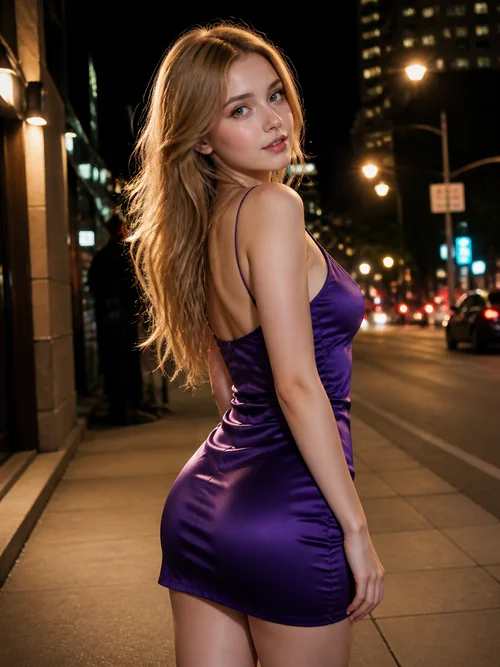
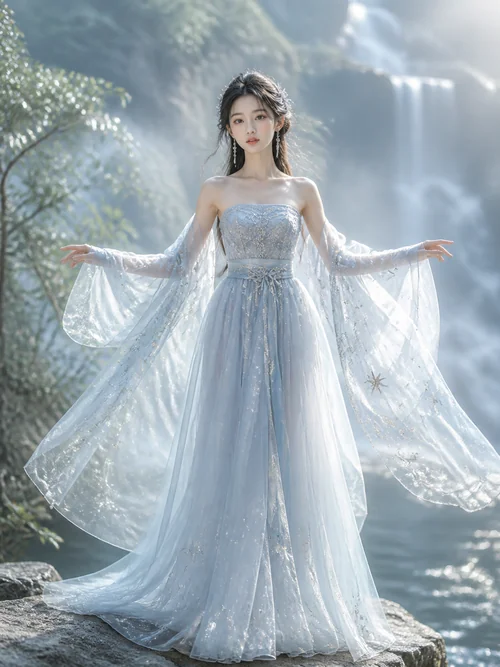
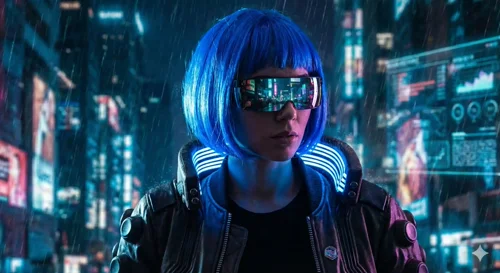
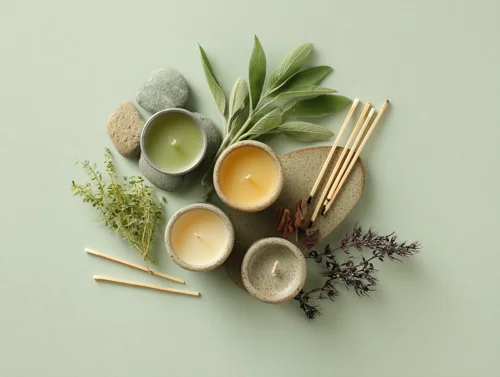
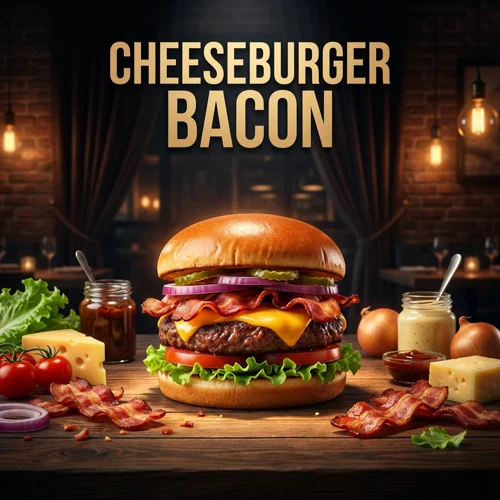
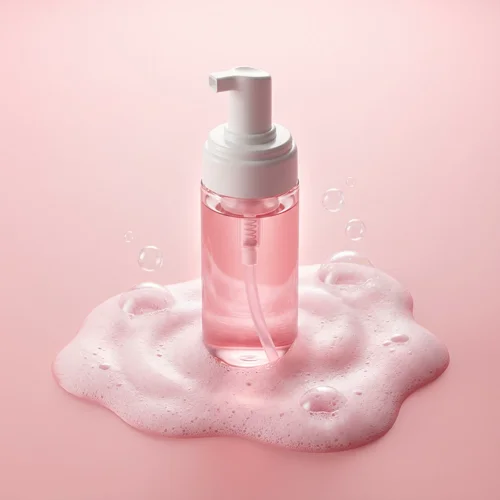
AI Image Prompt Gallery
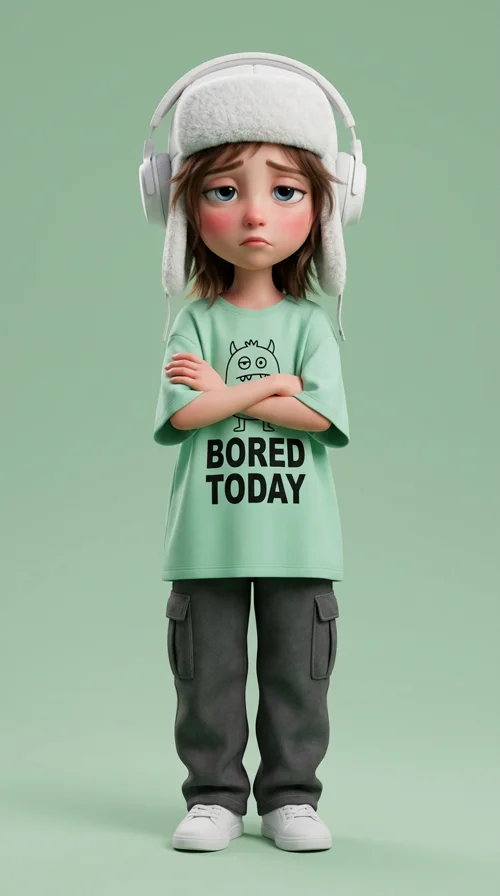
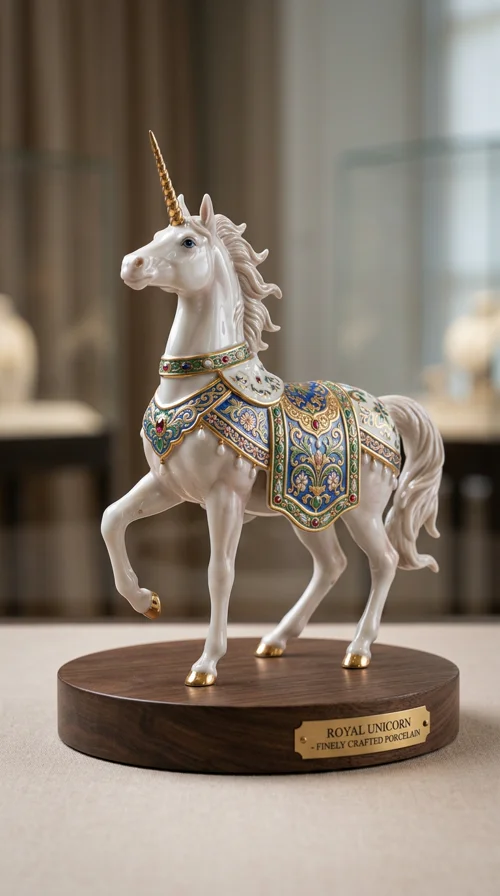
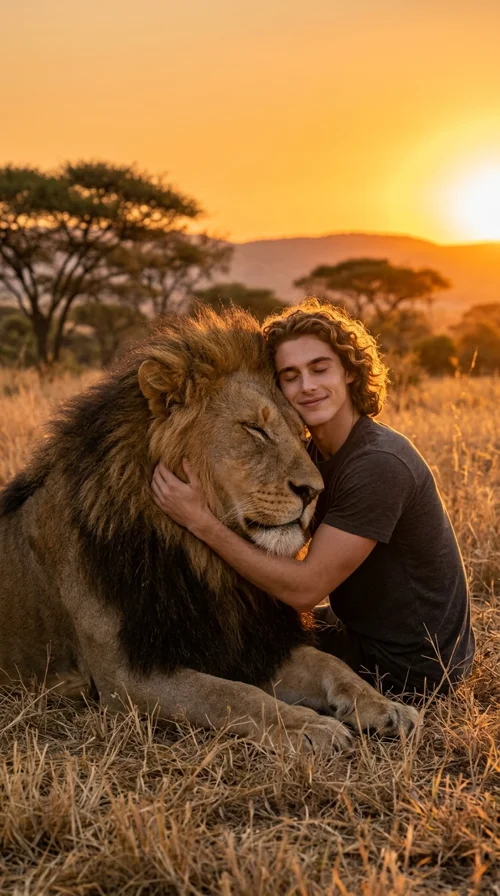
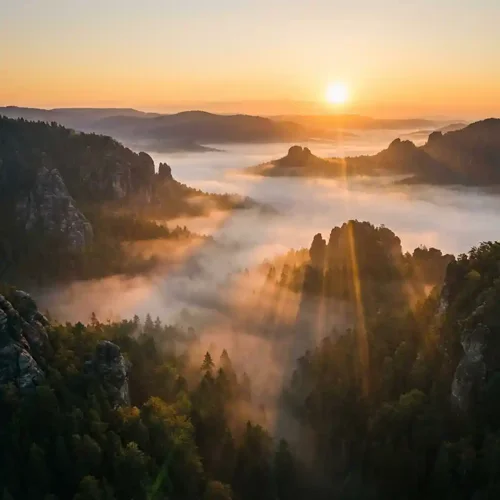
Real prompt examples you can try instantly.
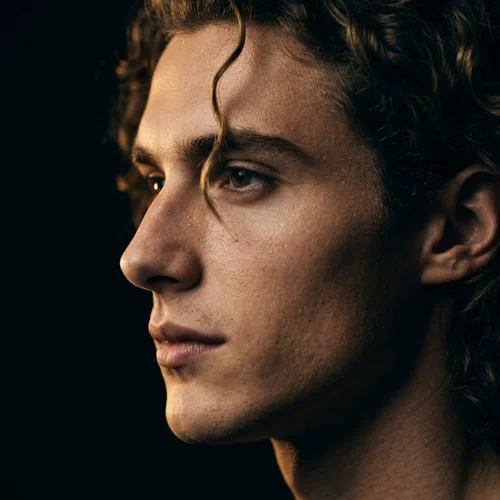
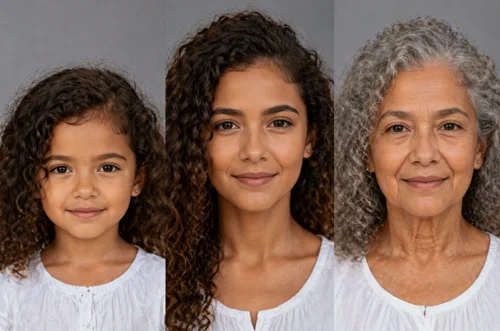
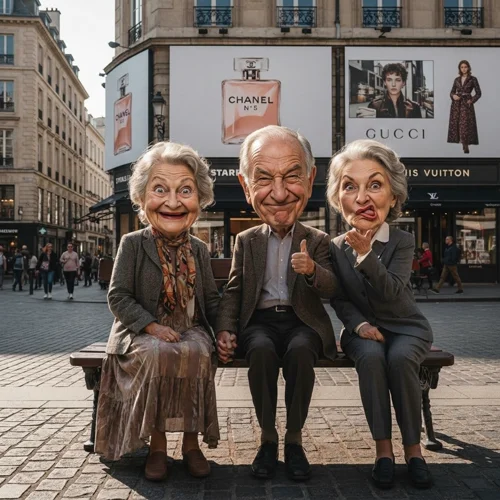
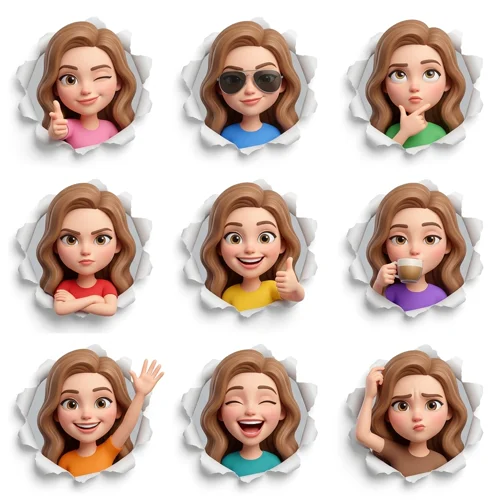
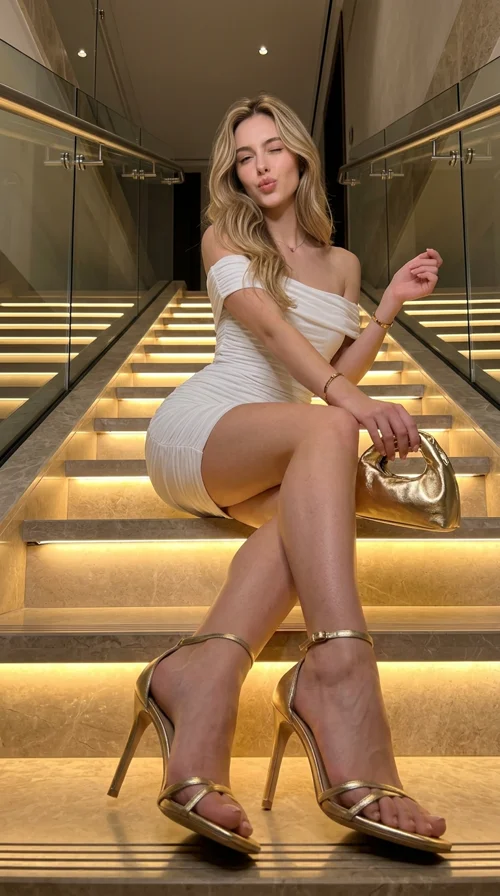
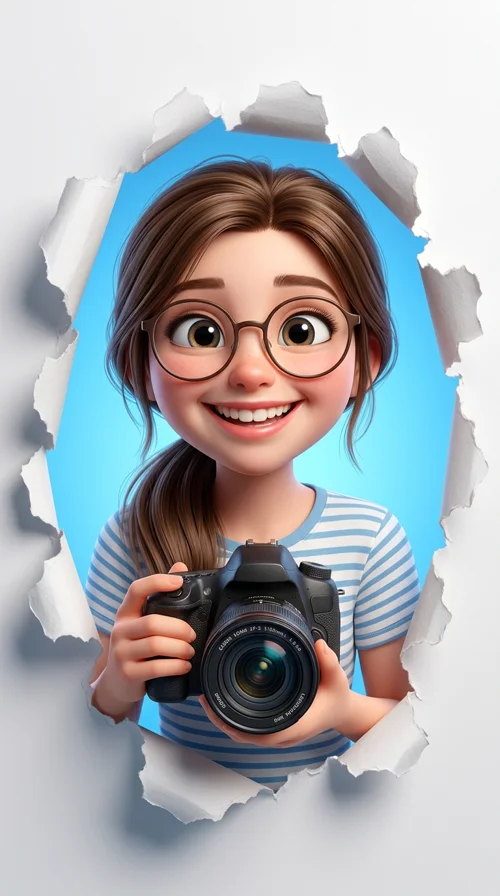
Who Uses GPT Image 2
Product and growth teams
Ship mockups, in-app graphics, and landing-page visuals where headline and CTA text must look right without a full design cycle.
Marketers and content creators
Produce social and ad creatives with accurate slogans, offers, and disclaimers rendered inside the image.
Developers and PMs
Illustrate flows and interfaces for specs, investor decks, and internal reviews before engineering invests in pixels.
How to Use GPT Image 2 in 4 Steps
From prompt to production-ready visuals—with text and layout you can trust.
Describe the scene and any on-image text
Spell out headlines, button labels, or packaging copy exactly as they should appear. GPT Image 2 is tuned for clearer typography and multi-part instructions.
Pick resolution and aspect ratio
Choose 1K, 2K, or 4K and the ratio that fits your use case—social posts, slides, app frames, or print-ready layouts.
Generate or refine with references
Use Text to Image for fresh concepts or Image to Image with references to steer style, product, or layout while iterating quickly.
Download and ship
Export results into marketing, product, or documentation workflows—especially when accurate text or UI-like visuals matter.
Why Choose GPT Image 2 AI Image Generator?
When the words and structure in the image are as important as the picture.
Stronger in-image text
- Labels, banners, UI strings, and longer copy tend to stay readable and correctly spelled—critical for ads, packaging concepts, and slide graphics.
UI- and screenshot-style outputs
- Generate plausible app, dashboard, or browser-style layouts for pitches, docs, and storyboards before a single line of production UI exists.
Improved photorealism and materials
- More coherent lighting, surfaces, and faces compared with earlier native OpenAI image generations—better for lifestyle and product-style shots.
Better multi-part prompt adherence
- Complex compositions with several objects, colors, and constraints are more likely to match what you asked for in one pass.
Frequently Asked Questions about GPT Image 2
Ready to Create with GPT Image 2?
Generate images where typography and layout matter—mockups, ads, and UI concepts—with 1K–4K resolution and fast iteration in one workspace.