
Kling Motion Control AI
Upload a character image and a motion reference video to generate stable, frame-consistent motion transfer clips.
Motion Control WorkArea
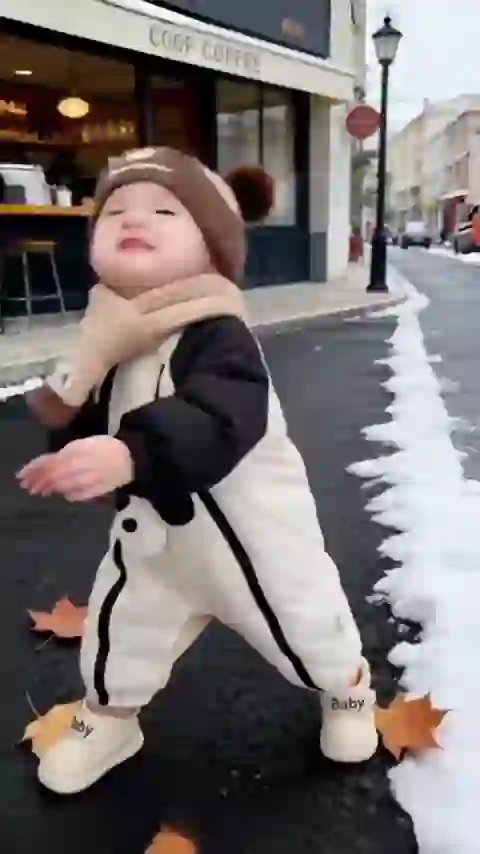
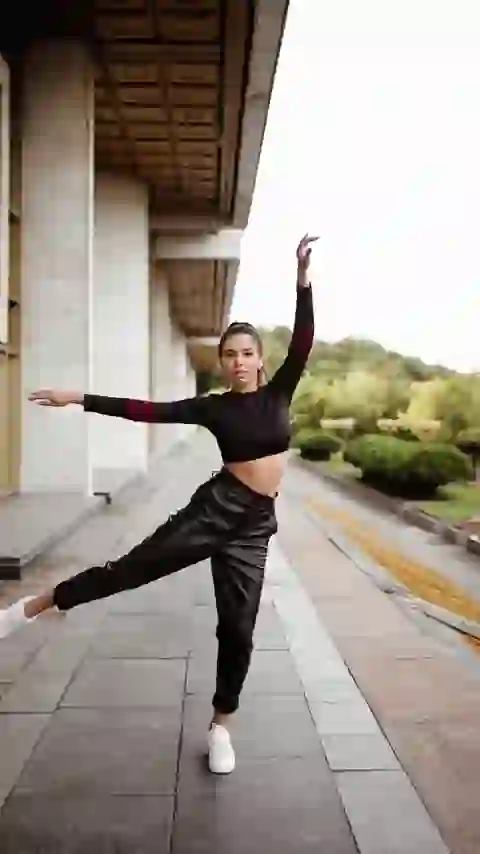
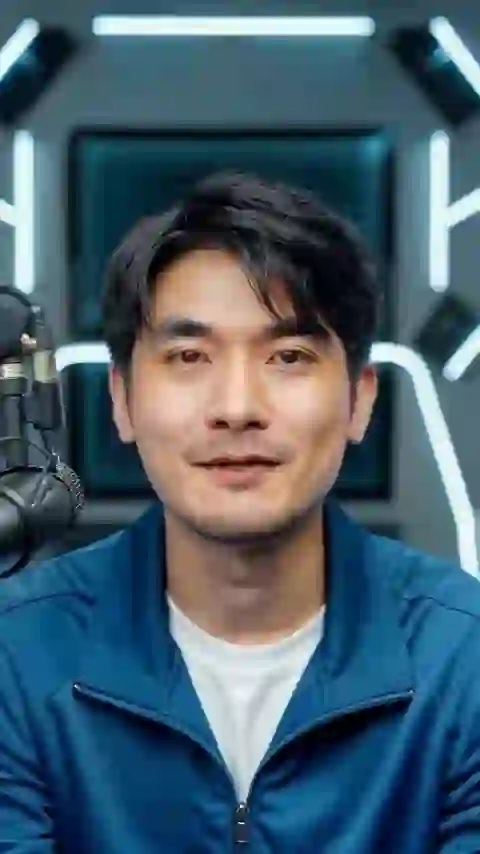
Motion Control Result
Your generated video will be shown below. Free users' videos are saved for 1 hour. Please download promptly. You can view your previous videos in Products.
Result Time 4-8 min
What is Kling Motion Control?
Kling Motion Control transfers movement from a reference video to a target character image while keeping timing and identity more stable.

What It Does (Role and Use Cases)
How It Works (Core Principle)

What Makes It Different
Best Input Guidance
Motion Control AI Highlights
The main reasons teams use motion transfer instead of manually directing each movement.
Frame-Consistent Motion Transfer
- Transfer gestures, pacing, and body performance from a reference video to your target character while keeping visual identity more stable across frames.
Standard vs Pro Output Paths
- Use 720p for faster iteration and lower credit cost, then switch to 1080p when you need cleaner detail and stronger final presentation.
Reference-Led Creative Control
- Because motion comes from a real clip, you can preserve specific beats, gestures, and presenter energy more reliably than trying to describe movement only with prompts.
Reusable Production Workflow
- One motion reference can be tested across different characters, making it useful for campaign variants, avatar experiments, and scalable character-led video pipelines.
How to Use Motion Control AI
Upload your character, add a reference performance, choose quality, and generate motion transfer video.
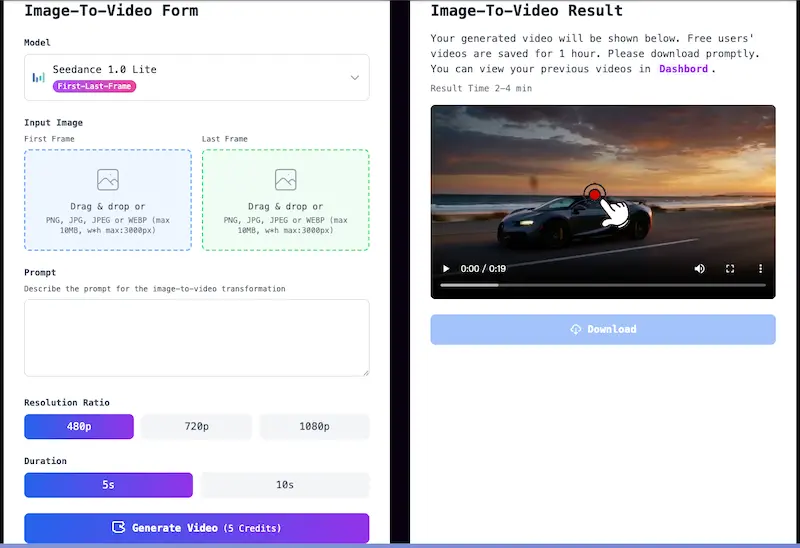
Upload a Character Image
Start with a clear image of the character you want to animate. Strong subject separation and visible body structure usually make motion transfer cleaner.
Add a Motion Reference Video
Upload your own motion clip or pick a sample video. The generated output will follow the timing, gestures, and body language from this reference.
Choose Resolution
Select 720p for quicker iteration or 1080p for more polished output quality. Credit cost changes with resolution.
Generate and Download
Run generation, preview the transferred motion in the result panel, then download the finished clip or review it later from Products.
Who Uses Motion Control AI?
Content Creators
Reuse dance clips, presenter gestures, and acting beats across different characters for Shorts, Reels, and creator-led content.
Marketing Teams
Build branded spokesperson and mascot variations from one performance source while keeping delivery faster than full production.
Education and Training
Create avatar-led lessons or presenter videos with more controlled body language by borrowing movement from a reference clip.
Studios and Creative Ops
Prototype multiple character variants from the same motion reference, helping teams test concepts before investing in larger animation workflows.