Create high-quality clips from a single photo or image sequence with our Image to Video AI. Use the image to video generator to animate pictures, add motion, and convert images to video online with a simple workflow. It supports start and end frame guidance so your video begins and finishes exactly on brand.
+
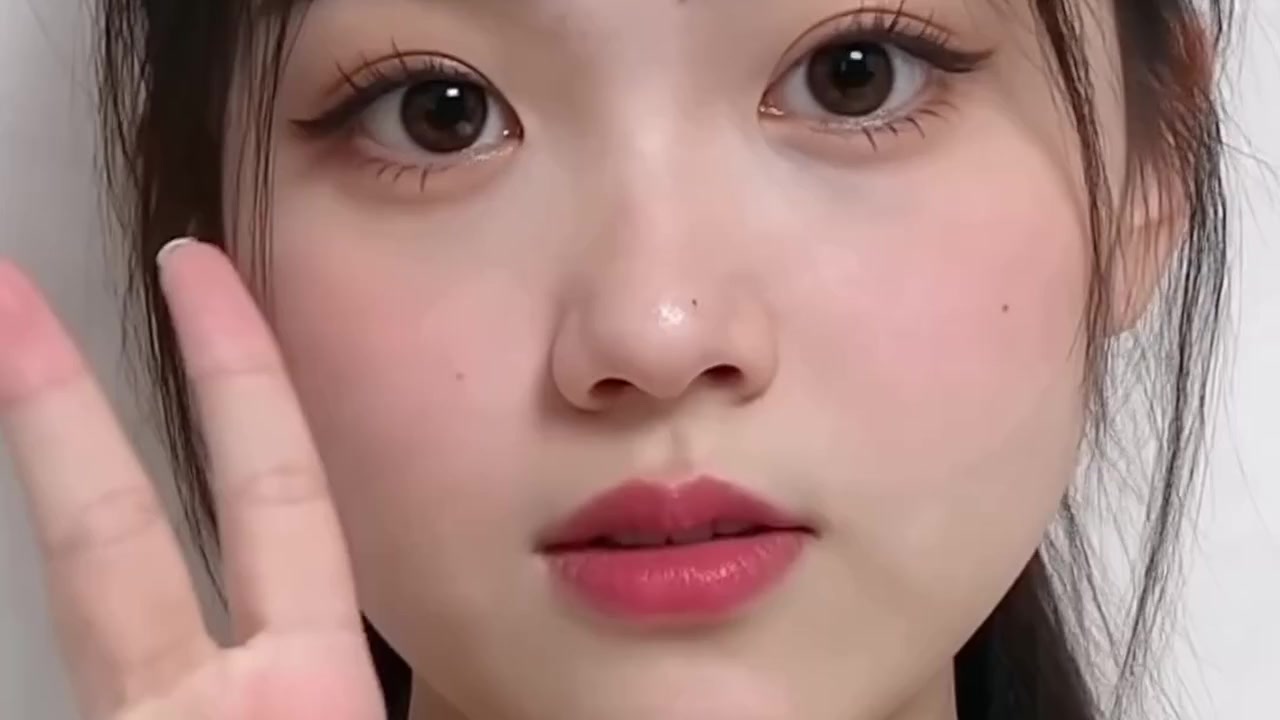
The woman in the dress walks towards the camera and the camera retreats, keeping her body in the frame at all times.
Real projects made with Image to Video AI: animate single images, guide first/last frames, keep identity consistent, and deliver platform‑ready clips with controllable motion and style.
Deep semantic understanding & precise prompts
Describe subject appearance, mood, wardrobe, and motion in natural language. The model follows multi-part instructions while keeping identity stable across the clip.
Strong for portraits, product heroes, and character-led social clips where the subject must stay recognizable.
Image to Video prompt The woman in the dress walks towards the camera and the camera retreats, keeping her body in the frame at all times.
Professional cinematic camera control
Plan dolly moves, orbit shots, push-ins, and aerial-style motion without building a manual timeline. Prompts translate into deliberate camera paths for narrative scenes.
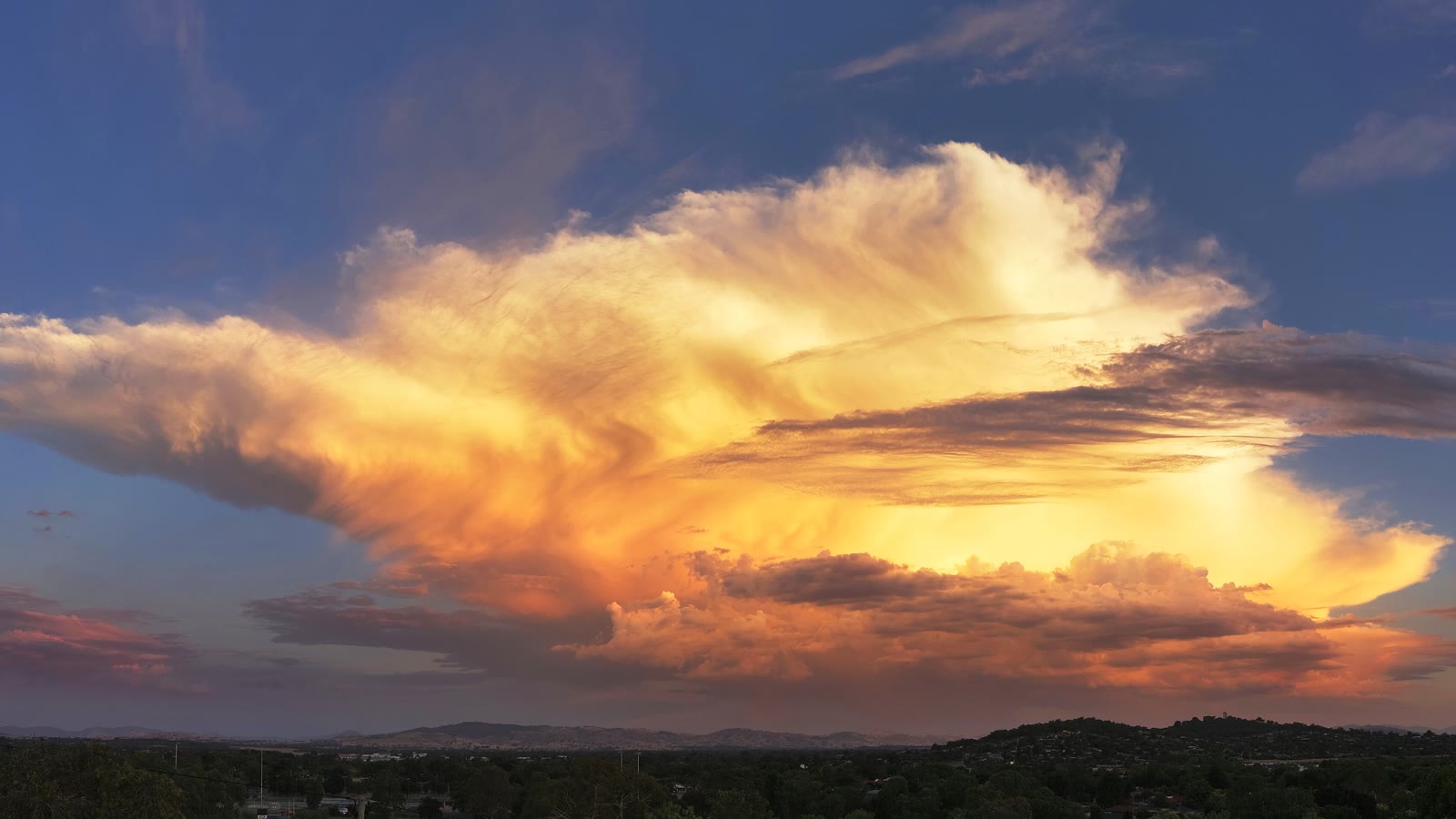
Ideal for concept frames, travel stills, and dramatic landscapes that need film-like movement.
Image to Video prompt Fast dynamic motion: the spacecraft accelerates forward, impacts the cliff in a burst of dust, and the character sprints away as debris falls.
Stable, physics-aware motion
Motion stays smooth and believable for vehicles, particles, and high-speed action—useful when you need energy without jitter or broken geometry.
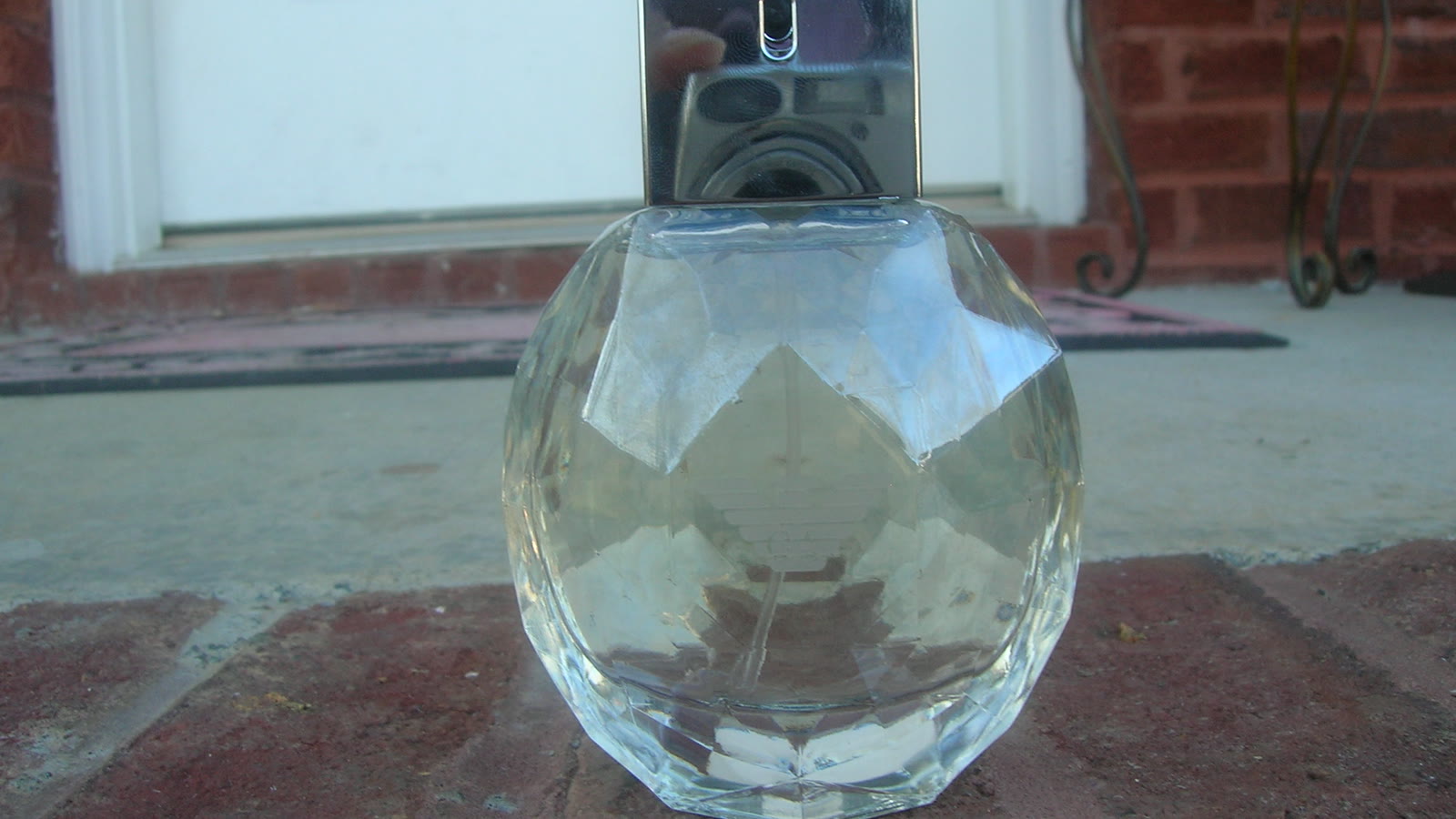
Great for automotive, sports, and product demos where realism sells the story.
Image to Video prompt Number 2 vintage red race car powers through an unpaved rally stage, dust trailing behind, sunlight glinting off the body.
Precise instruction following
Combine multiple subjects, actions, and camera beats in one prompt. The engine parses complex scenes and keeps motion readable frame to frame.
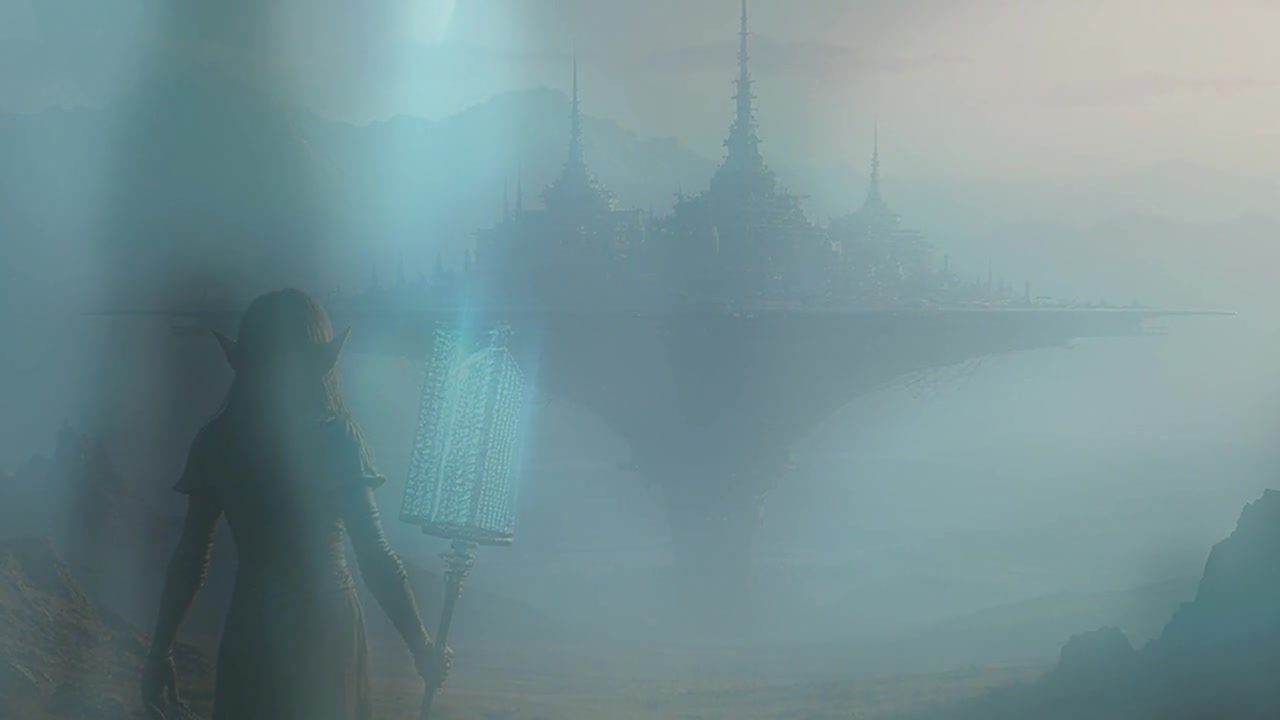
Helpful for storyboards, stylized art, and layered compositions with several moving elements.
Image to Video prompt Cinematic tracking shot: maintain a steady handheld feel while the illustrated scene animates with layered depth and consistent style.
How to Use Image to Video AI
Follow these steps to transform your images into stunning videos with AI-powered motion and effects.
Basic
Output
1
Upload images & frame guidance
Add your input image and optional first or last frame references.
2
Enter your prompt
Describe motion, camera, atmosphere, and style in clear language.
3
Select AI model & settings
Choose a model and tune advanced options for fidelity and motion.
4
Generate video
Run generation and review the preview before sharing.
5
Download & share
Export in the format and aspect ratio that fit your platform.
What is Image to Video AI?
A fast, controllable way to turn images into polished videos.
Image to Video AI transforms a single image or a short image sequence into an engaging video clip. This image to video generator adds natural motion, camera movement, and scene dynamics based on simple prompts. Compared with traditional editing, it accelerates storyboarding and content creation for social posts, ads, tutorials, and explainers—while keeping subjects consistent and lifelike across shots.
Image → Video
Identity
Motion
Start / End
Export ratios
Fast iteration
Key Features
Image to Video AI generator: convert single images or image sequences into short videos with prompt control.
Character continuity: keep faces and identity consistent across frames.
Motion and effects: add camera moves, transitions, and trending visual effects.
Start/End frames: optionally guide first/last frames so the video begins and ends on brand.
Flexible export: choose aspect ratios and quality settings for different channels.
Fast generation: seconds-level turnaround for iterative workflows.
Typical Use Cases
Social media: turn images into attention‑grabbing clips for TikTok, Reels, Shorts using Image to Video AI.
Product marketing: animate product shots and highlight key details without a full shoot.
Education & explainers: add motion and narration to diagrams, slides, or illustrations.
Creative storytelling: prototype ideas, animate stills, and combine images into short sequences.
How It Works
Upload or select an image.
Write a prompt describing motion, style, or narrative (image to video, AI-driven).
Generate and review results, then refine with adjustments.
Export in the format and ratio that fit your target platform.
Traditional NLE
Timelines, keyframes, manual edits
Image to Video AI
Prompt-guided motion in seconds
Where It Stands vs. Traditional Tools
Image to Video AI focuses on speed, guidance via prompts, and consistency of subjects—complementing NLEs and motion tools. For creators who need quick, on-brand outputs, this AI image to video approach reduces manual keyframing and complex timelines while remaining compatible with downstream editing.
Key Features of Image to Video AI
Turn images into polished videos with control, speed, and consistency using Image to Video AI.
Image to Video AI generator
Convert a single image or an image sequence into short videos guided by prompts—ideal for social, marketing, tutorials, and product storytelling. This image to video workflow is fast to iterate and easy to control.
Character consistency
Keep faces and identity consistent across frames so the same person or product remains recognizable in different motions and scenes.
Prompt‑driven motion & effects
Add camera moves, transitions, and trending visual effects with simple text instructions—no complex timelines required. The AI image to video engine translates prompts into smooth motion.
Multi‑model selection
Choose from mainstream Image to Video AI models—such as Kling 2.1, Hailuo 02, Wan 2.2, Veo 3, and SeeDance—to match your creative goals. Pick for cinematic motion, speed, style fidelity, or identity consistency, then iterate with prompts to reach the look you want.
Aspect ratio & quality control
Export in multiple aspect ratios and quality settings to match TikTok, Reels, Shorts, and other channels—ready for image to video publishing pipelines.
Fast generation
Designed for seconds‑level turnaround so you can iterate quickly, compare takes, and refine motion or style on the fly.
Multi‑image composition
Combine references—subjects, backgrounds, styles—then animate as a cohesive video with consistent look and feel.
Template‑friendly workflow
Reuse prompts and presets across campaigns to keep visuals on‑brand and speed up production.
Who Uses Image to Video AI
Content Creators & Social Teams
Turn images into short videos for TikTok, Reels, and Shorts. Use prompt‑driven motion and effects to keep identity consistent across posts and deliver on‑brand visuals quickly.
Marketing & Brand
Animate product shots and hero images into campaign‑ready clips. Control aspect ratios and quality for ads and landing pages, while maintaining product likeness and style fidelity.
Ecommerce & Product Teams
Showcase features by converting images to video sequences—highlight angles, textures, and context without full video shoots. Reuse prompts and presets across catalogs.
Educators & EdTech
Bring diagrams and slides to life. Add narration or on‑screen motion cues to create explainers and tutorials that are easy to follow and share.
Designers & Creative Studios
Prototype storyboards and style directions by animating still frames. Combine multiple references and iterate on motion, transitions, and camera moves using natural‑language prompts.
Developers & Product Engineers
Integrate Image to Video AI into apps and workflows. Support multi‑model selection (e.g., Kling, Hailuo, Wan, Veo, SeeDance) to match different requirements for motion quality, speed, or identity consistency.
Agencies & Growth Teams
Scale creative variations efficiently—test hooks, captions, and motion styles. Export in platform‑specific ratios for rapid A/B experiments across channels.
Educators, NGOs & Public Sector
Convert static infographics and field images into accessible video explainers for training, outreach, and awareness, keeping content clear and consistent.
About
About Image to Video AI
Which image formats are supported?
Common web formats such as JPG, PNG, and WEBP are supported. Use clear, well‑lit images for best results; front‑facing portraits and clean product shots typically animate more naturally.
How long does generation take with Image to Video AI?
Most results are ready in seconds, depending on prompt complexity, model selection, and queue load. Iterative refinement is encouraged—adjust settings and regenerate.
Can I keep faces and identity consistent?
Yes. The system emphasizes character continuity so faces and product identity remain consistent across frames and shots.
Which models can I choose from Image to Video AI?
You can pick from mainstream Image to Video AI models—such as Kling 2.1, Hailuo 02, Wan 2.2, Veo 3, and SeeDance—based on motion quality, speed, style fidelity, or identity consistency.
Can I add narration or music?
You may enrich outputs with voiceover or background music during post steps, depending on your workflow. The primary focus is animating and composing motion from images with prompts.
What export options are available with Image to Video AI?
Select aspect ratios and quality settings to match TikTok, Reels, Shorts, and other placements. You can regenerate with different settings and compare results side by side.
How do I get the best results with Image to Video AI?
Start with a clear image, then describe motion, timing, and camera moves in the prompt. Specify identity cues (hair, clothing, product color), desired effects, and aspect ratio. Iterate in short steps and compare versions.
Can I use results for commercial projects?
Yes—subject to our Terms of Service and the rights of any materials you upload. Ensure you own the necessary rights and comply with local laws and platform policies.
Is my content private and secure with Image to Video AI?
Uploads are processed over encrypted connections and retained only as needed to complete generation. We apply content safety checks and follow a data‑handling policy designed to protect user privacy.
Ready to Create with Image to Video AI?
Upload an image, add a clear prompt, and generate a polished clip in seconds with our image to video generator. Guide the first and last frame for on‑brand starts and endings, keep identity consistent, and export platform‑ready formats from your Dashboard. Plans and credits are available; some features may require an upgrade.